 JianyingAPK
Jianying Not Working? 9 Fixes That Solve Most Problems
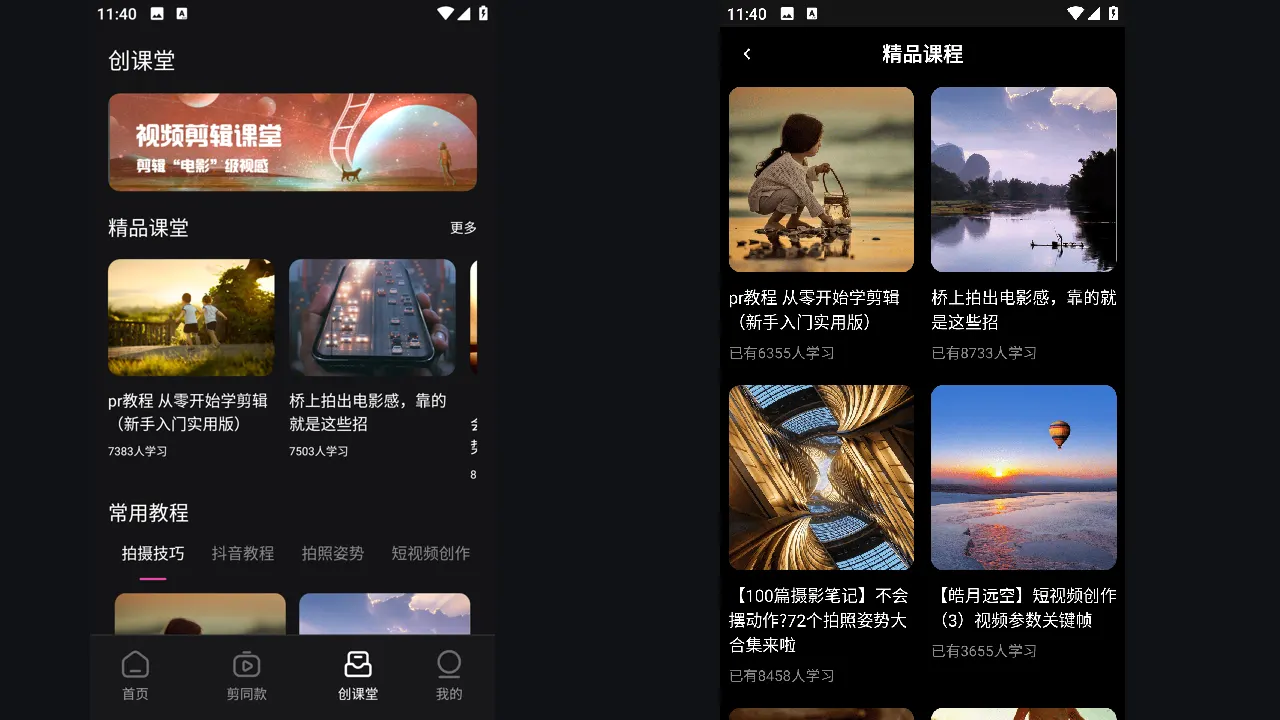
Every heavy editor breaks sometimes, and Jianying is no exception. The pattern behind most reports is familiar: the app closes on launch, an export fails near the end, templates will not load, or the timeline stutters until editing becomes miserable. The good news is that nearly all of these come from a short list of causes.
Work through these fixes in order. They are arranged from fastest and safest to last resorts, and they protect your drafts wherever possible. Note which step fixes your problem, because the same cause tends to return, and next time you can jump straight to the answer. If you are new to the app, start with Jianying for Android for the verified facts, screenshots and download information, then come back to this guide.
Restart, storage and cache first
Close the app fully and reopen it. Then check free storage: Jianying needs working room for cache, template downloads and the export file itself, and exports that fail at 90 percent are usually a storage problem in disguise. Keep at least 2 GB free. Next, clear the cache from inside the app settings. Cache clearing is safe: it removes temporary files, not your drafts or downloaded projects.
If the app closes on launch after an update, restart the phone itself. A full restart clears stuck media services that the editor depends on, and it fixes a surprising share of open and crash reports on its own.
Templates, effects and network problems
Templates and music load from online catalogues, so a weak connection shows up as empty shelves and spinning loaders. Switch between Wi-Fi and mobile data, and try again with any VPN off, since routed connections often block media catalogues. If one template fails while others load, the item itself may have been withdrawn; rebuild that section with a similar template rather than reinstalling the whole app.
When downloads of resources stall at the same percentage, clear the cache, confirm the date and time on the phone are set automatically, and retry. Wrong system time breaks secure connections in ways that look like app bugs.
Readers working through this topic usually also need our walkthrough on how to install jianying apk on android, step by step, which covers the neighbouring step in the same workflow.
Export failures and stuttering timelines
For exports that fail repeatedly, export a short section of the project. If the short export works, the problem sits in the part you skipped: usually a damaged clip, a heavy effect stack, or a resource that did not finish downloading. Replace or simplify that segment. Lowering export resolution one step also separates a power problem from a project problem, since a clean 720p export proves the project itself is sound.
For stutter, close background apps, switch the preview to a lower playback quality while you edit, and split very long projects into parts. Previews are disposable; your export settings decide final quality, so edit light and export heavy.
The careful reinstall, and when to use it
Reinstall only after the steps above. Export every draft you care about first, because removing the app deletes local drafts and downloaded resources. Then install fresh, sign in, and test with one new project before restoring your workflow. If a clean install still crashes on a new project, the issue is the device or the current build: check for a system update, and wait for the next app update rather than fighting the same fault daily.
Two more guides round out this workflow: jianying old versions: when an older build makes sense and is jianying safe? permissions, privacy and sensible precautions. Together they cover the steps before and after this one, so a full project never stalls on a missing piece.
Frequently Asked Questions
Will clearing the cache delete my drafts?
Why does my export fail at the same percentage?
Jianying closes as soon as I open it. What first?

Victor Liang
Victor Liang has spent nine years cutting short form video for creators and small studios, and he tests every editor on this site on real Android phones before a download page goes live. His bench work focuses on timeline performance, caption accuracy, export quality and how an app behaves on mid range hardware. More about Victor Liang