 JianyingAPK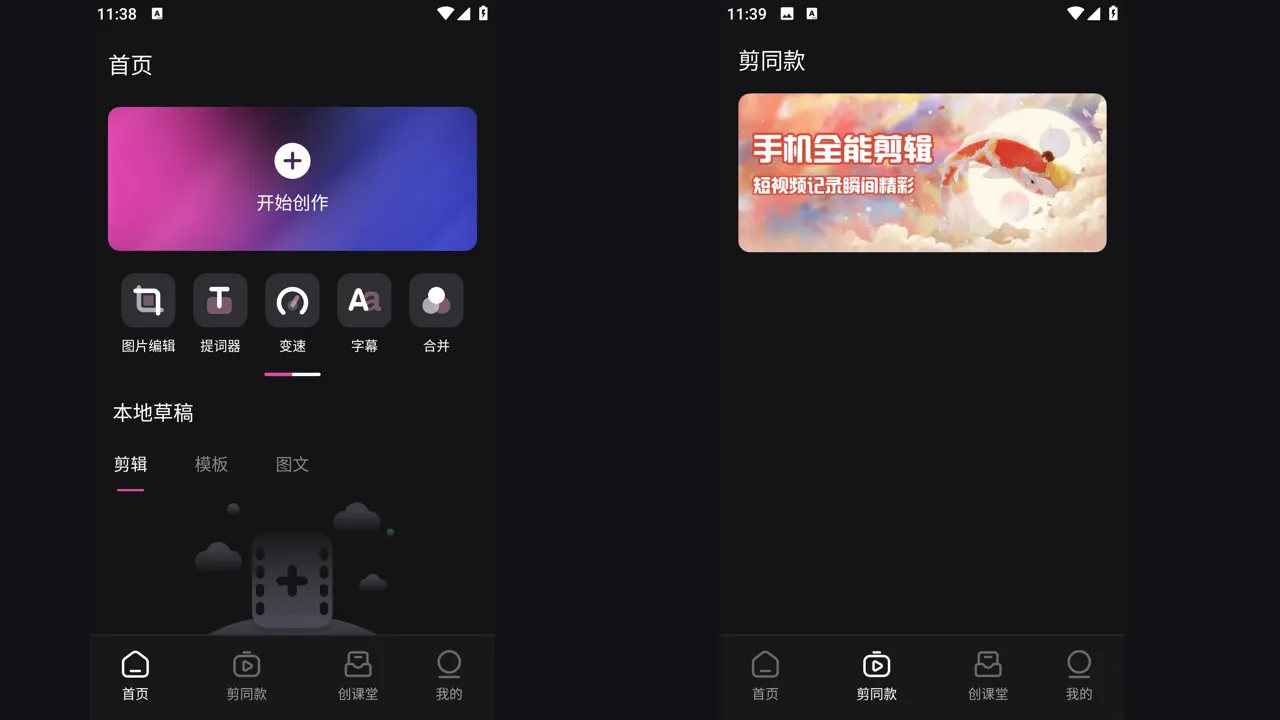
How to Install Jianying APK on Android, Step by Step
A clear, phone tested walkthrough for installing the Jianying APK on Android, from preparing storage to granting permissions and opening your first project.
Hands on tutorials and fixes for the Jianying video editor, written by Victor Liang, our video editing specialist. Every guide is tested on real Android phones before it is published here.
A clear, phone tested walkthrough for installing the Jianying APK on Android, from preparing storage to granting permissions and opening your first project.
How automatic captions work in the Jianying video editor, how to generate them, fix recognition errors, and style subtitle tracks that stay readable on any phone.
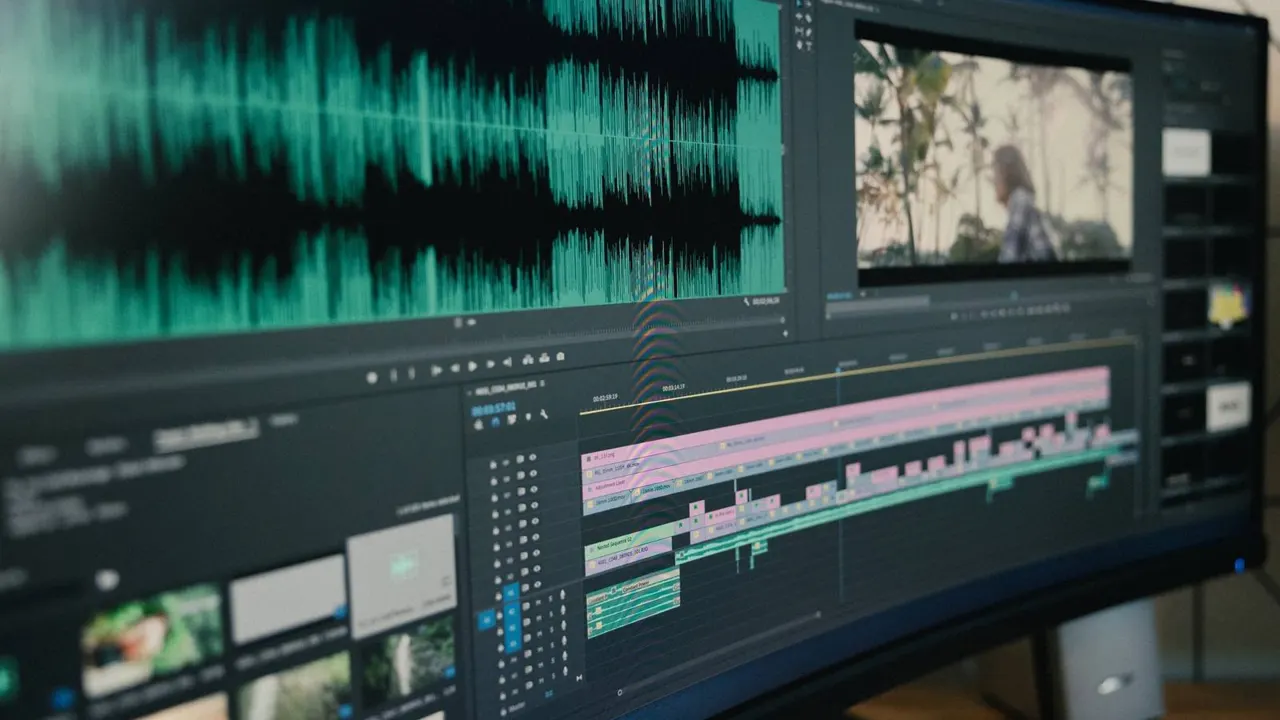
Learn how keyframes work in the Jianying video editor, from a simple zoom to smooth pans, product spins and animated text that follows your subject.
Use the Jianying app's portrait cutout tools to remove or replace a video background, fix edge errors, and composite clean subject overlays on Android.
How Jianying works on a computer, what the desktop edition offers over the phone app, and how to move projects between Android and PC without losing drafts.
Jianying crashing, exports failing, templates missing or the app not opening: work through the nine fixes our reviewer uses, from cache clears to reinstall rules.
Jianying and CapCut come from the same ByteDance editor family. This comparison explains the real differences in catalogues, language, templates and release timing.
Turn typed scripts into voiceovers inside the Jianying app, choose voices that fit your niche, pace them properly, and mix narration that sounds clean on phones.
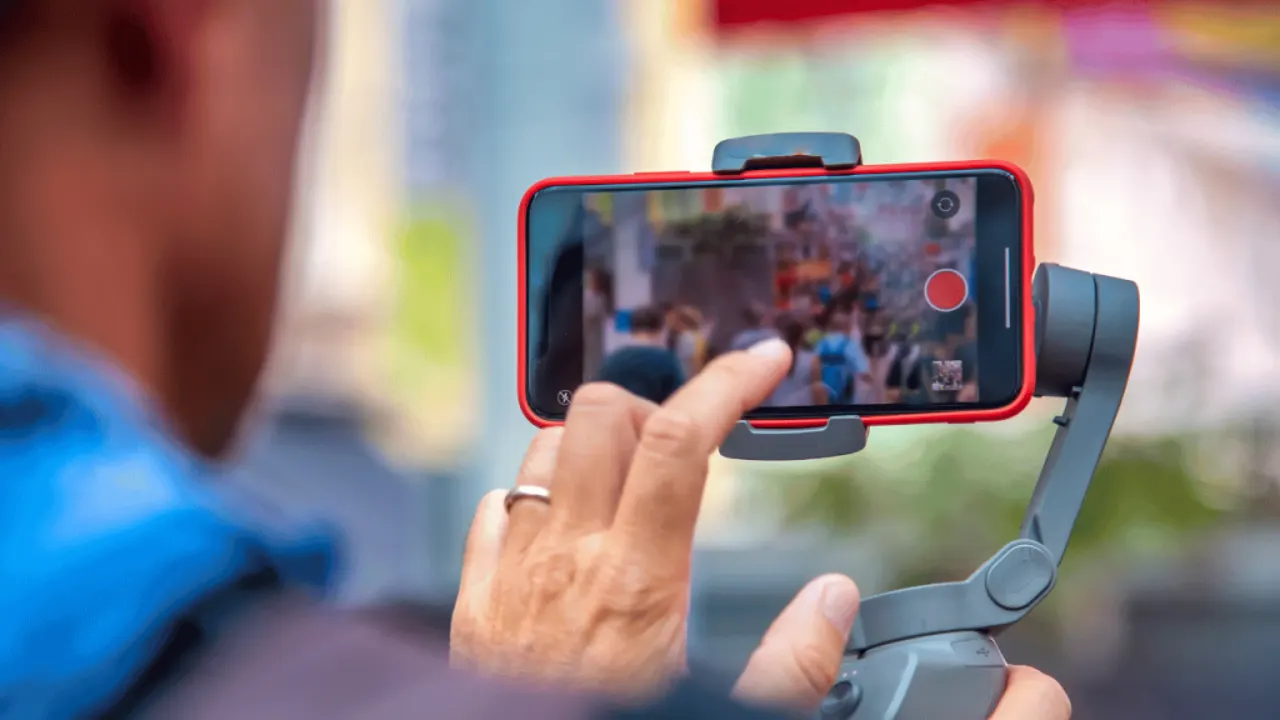
How to slow footage smoothly in the Jianying app, when to use curve speed ramps, and how frame rate choices decide whether your slow motion looks clean or choppy.
Shoot and key green screen footage inside the Jianying app, fix spill and edge problems, and place yourself into any scene with believable phone made composites.
Resolution, frame rate and bitrate choices for exporting from the Jianying app, matched to TikTok, Douyin, Reels and Shorts so uploads stay sharp after compression.
A plain look at Jianying safety: who makes the app, which permissions it asks for and why, and the habits that keep any editor install safe on Android.
How templates work in the Jianying app, where the best ones hide, how to replace media and text without breaking timing, and how to save formats you will reuse.
Why some Android users run an older Jianying build, the trade offs involved, and how to roll back carefully without losing drafts or downloaded resources.
Use Jianying's beat markers and music tools to cut clips exactly on the beat, build rhythm edits, and keep audio levels clean under dialogue and effects.

Victor Liang has spent nine years cutting short form video for creators and small studios, and he tests every editor on this site on real Android phones before a download page goes live. His bench work focuses on timeline performance, caption accuracy, export quality and how an app behaves on mid range hardware. More about Victor Liang